The Kernel Update That Ate My Hard Drives
May 15, 2026
A routine apt upgrade made my Raspberry Pi 5's four-drive ZFS pool vanish overnight — the fix was one device-tree overlay, but the real lesson was that "working" and "configured correctly" aren't the same thing.
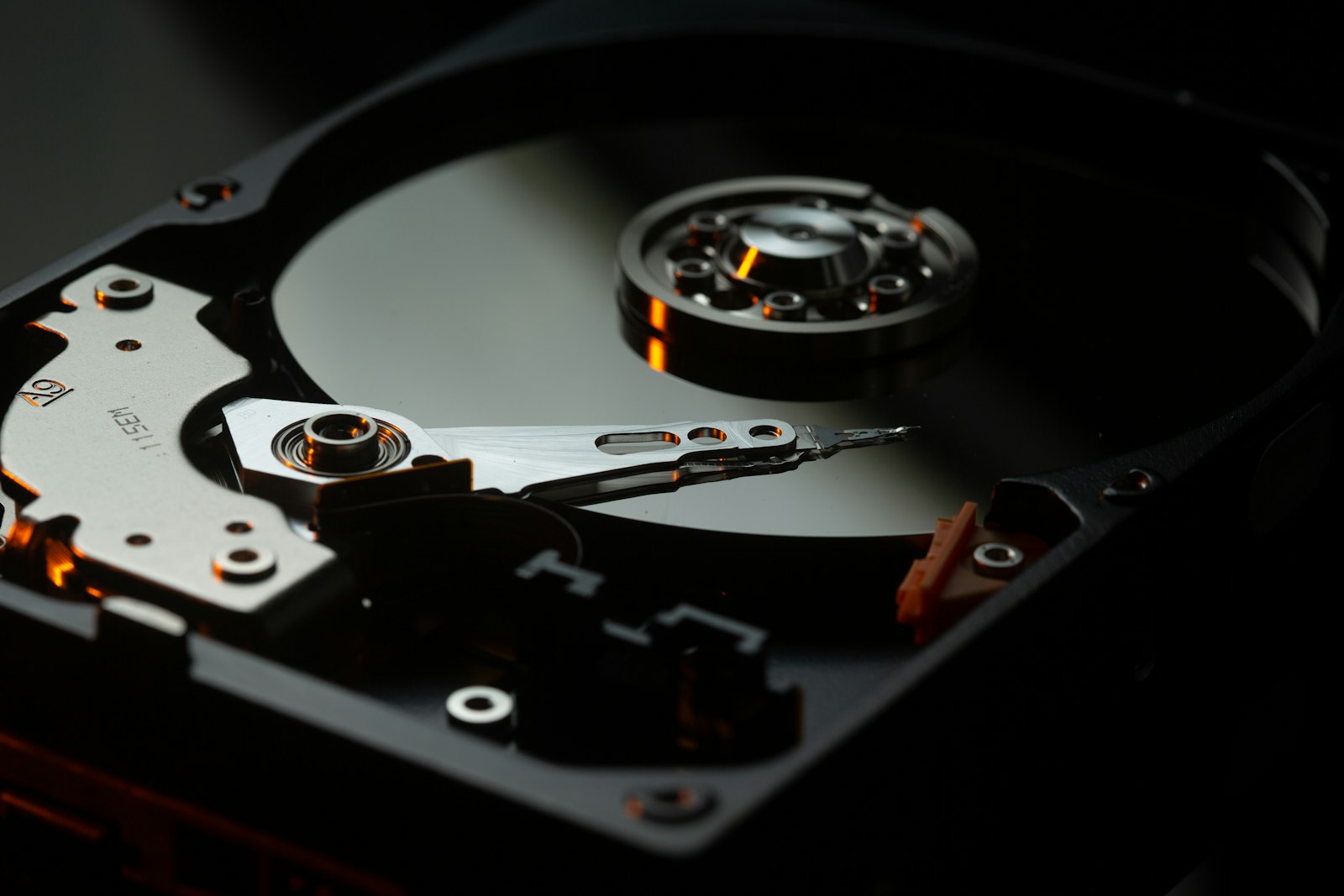
I have a Raspberry Pi 5 sitting on a shelf in my hallway, quietly running a media server, a Nextcloud, and most of my photo backups. It's the kind of machine you only notice when something goes wrong with it.
Something went wrong with it.
It started, like most of these stories do, with an apt upgrade. Routine kernel bump, a new raspi-firmware, the usual tailscale and docker-buildx-plugin updates apticron likes to nag about. I ran the upgrade, rebooted, and went to do something else.
A couple of hours later I noticed Jellyfin wasn't responding. No big deal — Pi reboots can be slow when the ZFS pool is doing its thing. I SSH'd in.
$ lsblk
NAME        MAJ:MIN RM  SIZE RO TYPE MOUNTPOINTS
mmcblk0     179:0    0 59.7G  0 disk
├─mmcblk0p1 179:1    0  512M  0 part /boot/firmware
└─mmcblk0p2 179:2    0 59.2G  0 part /
That's just the SD card. No sda, no sdb, no anything. Four 2 TB hard drives, gone.
$ sudo zpool status
no pools available
This is the part of the evening where you stop being relaxed.
What I had
For context: the Pi 5 has a Radxa Penta SATA HAT bolted on top of it, holding four 2 TB drives in a ZFS RAIDZ1. It's mounted at /Home-Server and everything important — movies, anime, photos, Nextcloud data, the kids' stuff — lives on it. The HAT itself is just a JMicron JMB585 AHCI controller talking to the Pi over PCIe.
I've had this setup running for the better part of a year. Survived multiple kernel updates. Never given me trouble.
So when lsblk showed me a single SD card, my first thought was that the HAT had died. The second was that I really should set up proper backups for the backup server. The third — and this is the one I went with — was let me actually check before I panic.
The HAT wasn't dead
$ lspci -nn
0001:00:00.0 PCI bridge [0604]: Broadcom BCM2712 PCIe Bridge
0001:01:00.0 SATA controller [0106]: JMicron JMB58x AHCI SATA controller [197b:0585]
There it is. The controller is on the bus, the Pi can see it. That ruled out the "HAT fell off / dead silicon" theories.
$ lspci -k | grep -A2 SATA
0001:01:00.0 SATA controller: JMicron JMB58x AHCI SATA controller
    Kernel modules: ahci

$ lsmod | grep ahci
ahci                   65536  0
libahci                65536  1 ahci
libata                393216  2 libahci,ahci
Driver loaded too. So PCIe is fine, the kernel knows what the device is, the right module is in memory — and yet, no drives. Something is failing between "module loaded" and "disks attached." That's the kind of gap dmesg was made for.
dmesg, where the truth lives
[ 3.295507] ahci 0001:01:00.0: version 3.0
[ 3.295518] ahci 0001:01:00.0: enabling device (0000 -> 0002)
[ 3.312411] ahci 0001:01:00.0: controller can't do 64bit DMA, forcing 32bit
[ 3.334880] ahci 0001:01:00.0: AHCI vers 0001.0301, 32 command slots, 6 Gbps
[ 3.345652] ahci 0001:01:00.0: 5/5 ports implemented (port mask 0x1f)
[ 3.361641] ahci 0001:01:00.0: failed to start port 0 (errno=-12)
[ 3.367803] ahci 0001:01:00.0: probe with driver ahci failed with error -12
Two lines did all the talking.
controller can't do 64bit DMA, forcing 32bit. Okay, the kernel decided the JMB585 can only do 32-bit DMA addressing. That alone shouldn't kill anything — plenty of devices work that way.
Then: failed to start port 0 (errno=-12).
-12 is -ENOMEM. Out of memory.
This was the part where I stared at the screen for a minute, because the Pi was very obviously not out of memory. free -h showed gigabytes free. Nothing was OOM-killing anything. So what kind of "no memory" was the driver running into?
The thing nobody tells you about Pi 5 DMA
Here's the bit I had to remind myself of:
When a PCIe device does DMA — reading and writing to RAM directly without going through the CPU — it has to be able to address the memory it's reading from. A 32-bit device can address 4 GB of RAM. That's it. Anything above the 4 GB mark might as well not exist as far as the device is concerned.
The Pi 5 has 8 GB. And on the Pi 5, by default, the kernel maps almost all of that RAM above the 32-bit boundary. So when the AHCI driver asked the kernel "give me some DMA-coherent memory I can hand to this 32-bit device," the kernel looked in the only place the device could reach, found nothing, and returned -ENOMEM. Probe aborted. Drives invisible.
Free memory is the wrong measure here. The constraint is reachable memory, and there was none.
There is a device-tree overlay that exists for exactly this. It's called pcie-32bit-dma-pi5. It reserves a chunk of sub-4 GB RAM specifically for PCIe devices that can't do 64-bit DMA. I had never enabled it.
The fix
One line.
sudo cp /boot/firmware/config.txt /boot/firmware/config.txt.bak
echo "dtoverlay=pcie-32bit-dma-pi5" | sudo tee -a /boot/firmware/config.txt
sudo reboot
I added the overlay, rebooted, and waited the awkward 40 seconds where you don't know if it's coming back. Then:
[ 8.204798] ata1: SATA link up 6.0 Gbps (SStatus 133 SControl 300)
[10.216799] ata2: SATA link up 6.0 Gbps (SStatus 133 SControl 300)
[10.816798] ata3: SATA link up 6.0 Gbps (SStatus 133 SControl 300)
[11.480801] ata4: SATA link up 6.0 Gbps (SStatus 133 SControl 300)
$ sudo zpool status
  pool: Home-Server
 state: ONLINE
Jellyfin came up on its own, Docker brought everything else back, and within a minute or two I was scrubbing through episodes again like nothing had happened. The whole outage was something like an hour of confused poking, ten seconds of editing a file, and a reboot.
Wait — so why did it ever work?
This is the part that still bugs me a little.
The HAT had been running fine for months. No overlay, no special config, no reason to believe anything was wrong. The hardware didn't change overnight. I didn't change anything in config.txt. So how did it work before, and stop working now?
The honest answer is that earlier kernels (6.12.62, 6.12.75) just… accepted the JMB585's claim that it could do 64-bit DMA. With 64-bit addressing, the driver could grab DMA buffers from anywhere in the 8 GB, and the missing overlay didn't matter. Somewhere between 6.12.75 and 6.12.87, that changed. Maybe a stricter check. Maybe a quirk got patched. Either way, the kernel started insisting the device is 32-bit-only, and the latent misconfiguration in my config.txt finally caught up with me.
In other words: it had been working despite being misconfigured, not because of it. The new kernel didn't break anything — it stopped pretending.
That's the part I think is worth sitting with. A system that runs fine isn't necessarily a system that's set up correctly. It might just be a system where nobody's stepped on the broken board yet.
A few things I'm taking away
I keep coming back to one feeling from this whole thing: how quickly "the hardware is dead" became the working theory in my head. The drives were silent, the device file was missing, and my brain jumped straight to bad cable, dead HAT, fried backplane. None of which I could do anything about at 11pm on a weeknight.
The actual problem was visible in dmesg from the very first boot. I just had to read it.
Other than that:
-ENOMEM is one of the more lying-sounding error codes Linux has. On any system with addressing constraints — IOMMU, 32-bit devices, weird ARM memory layouts — it almost never means "out of RAM." It means "out of the kind of RAM you needed."
If you're running anything on a Pi 5 that talks over PCIe — a SATA HAT, an NVMe carrier, some random capture card — set dtoverlay=pcie-32bit-dma-pi5 now. It costs you nothing if the device doesn't need it, and it saves you from finding out at midnight that it did.
And keep your old kernels. RPi OS leaves them in /boot/firmware/, and a known-good fallback turns "is this a regression or did I just break my server?" from a panic into a question you can actually answer.
I went to bed that night with a working file server and a slightly stronger conviction that the best test of a Linux config is a kernel upgrade you weren't expecting to hurt.
Have a question or spotted an issue?
I read every message and try to reply quickly — usually within a day. Whether it's a follow-up question, a correction, or just a hello, I'd love to hear from you.
Comments
- Loading comments…